Under “Control” area, click on the link “Proxy.pac/WPAD service” grey link
Click on the “Proxy.pac Auto-configuration wizard” button.
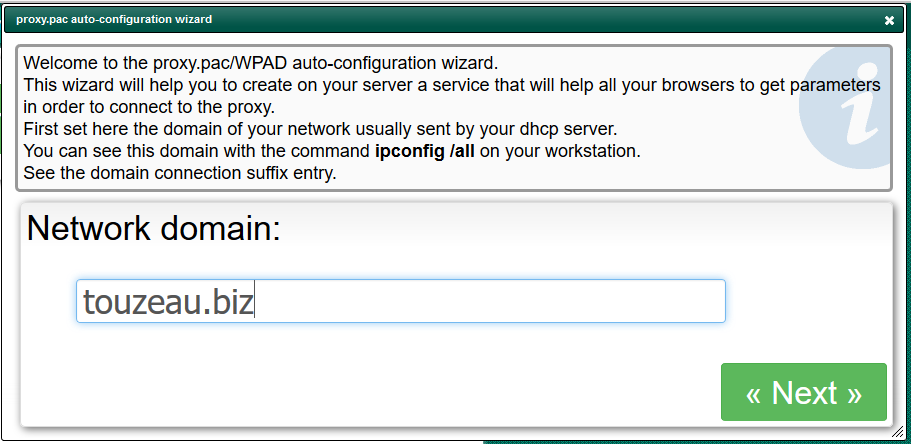
The first step is to define the network domain, this an optional information.
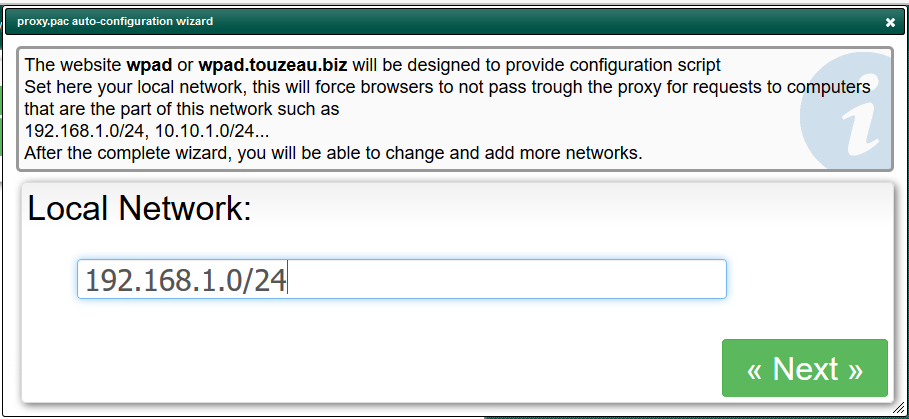
Next, specify your network, this will help the wizard to build “White list” rules in order to force browsers to be connected in direct mode for this network destination.
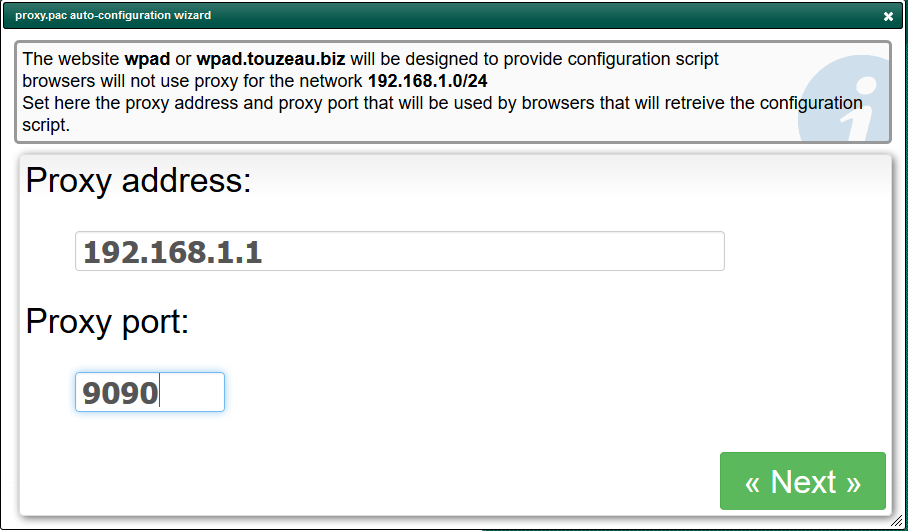
Next define the IP address and the port of the proxy service that will be sent to browsers
Finally, click on Build settings in order to create the service.
You can download/test your proxy.pac by using https://ipofyourArticaserver/proxy.pac